

 28
28
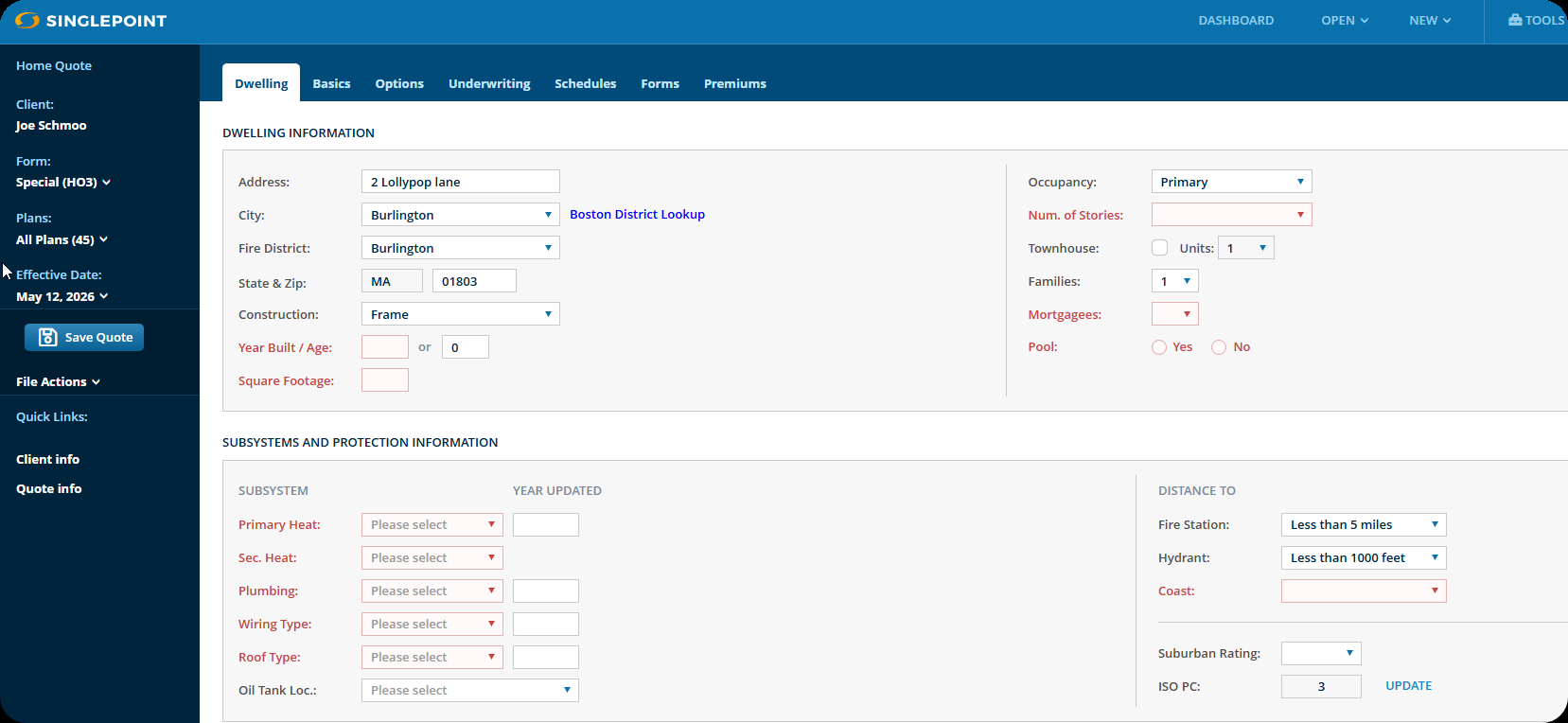
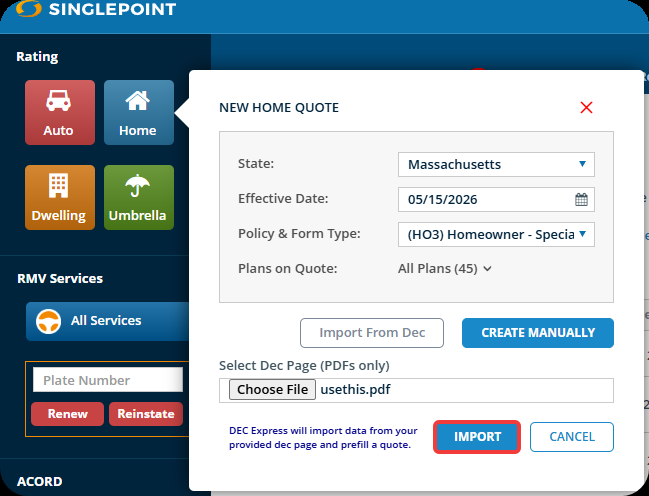
To get started using DEC Express for Home, follow the below steps, using the screen shots for reference.
1. Open SinglePoint Rating and click on the Home symbol for a new home quote.
2. Choose the "State", "Effective Date" and "Policy Type".
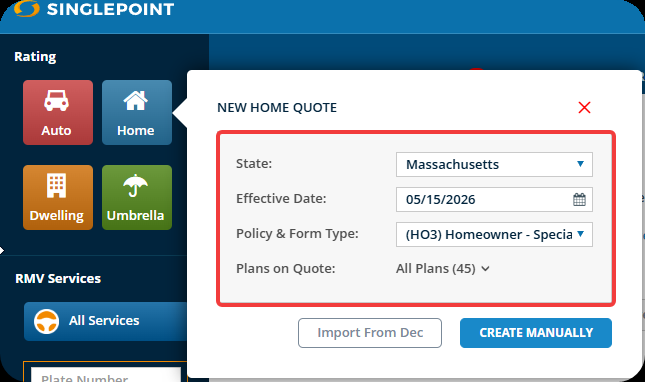
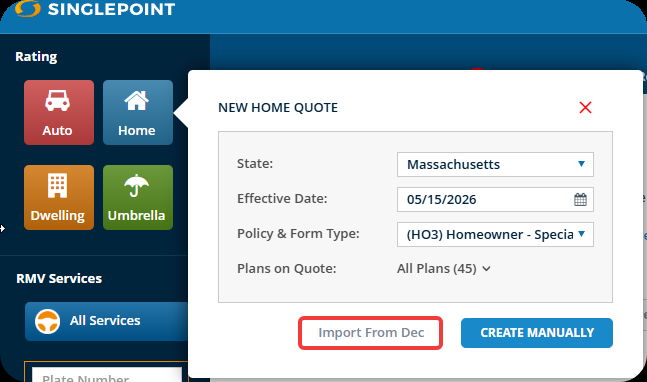
3. Click the "Import From Dec" button.
4. Click the "Choose File" button to choose the appropriate file.
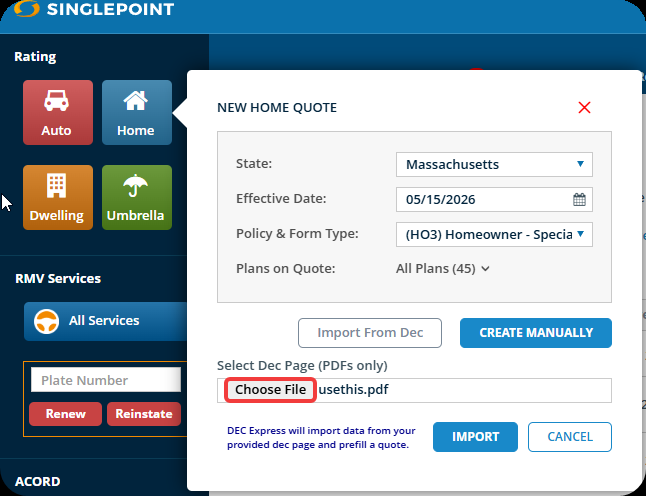
5. Click the "Import" button to finish choosing the file.
6. A box will then pop up. Click the "Start Import" button to let SinglePoint Rating know you want to now import the DEC page.
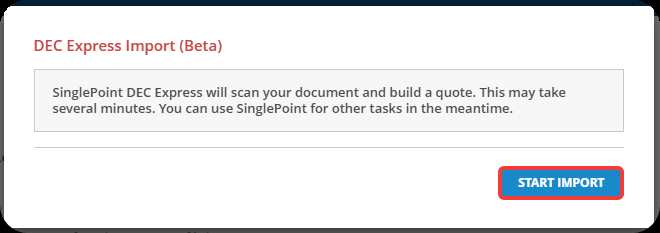
You will see a progress bar letting you know what phase of the import process you are on.
(FYI - The process can take between 30-60 seconds)

7. Click the "View Quote" button to now load the quote into SinglePoint Rating and view it.

Congratulations, you have now successfully used the Dec Express feature to import a quote into SinglePoint Rating.