



 163
163
IF A BANK/LIENHOLDER IS NOT ON THE LIST WE/AGENT CANNOT ADD. They must "Skip to RTA" and manually type into the RTA and send the transaction to the RMV.
The lienholder search in SinglePoint is a character for character match for ATLAS. for example Chase Bank is not found. That is because the RMV has them as JPMorgan Chase Bank 700 Kansas Lane LA4-4041 Monroe, LA 71203. The best thing to do is contact the bank or the selling dealership and ask for the code (C33828). If you know the code enter just the numbers in SinglePoint. (33828)

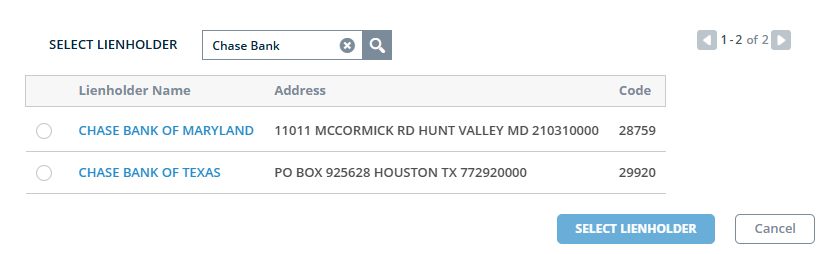
Notice these addresses do not even come close. When you search the correct name using the code from the bank you find exactly what you need.
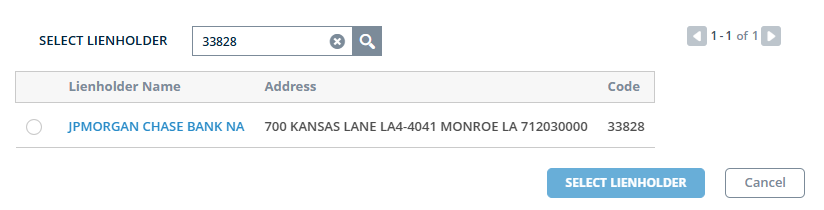
You cannot ADD a lienholder to the list that is something that needs to be done via the bank and the RMV TITLE Dept. If the Lienholder is a person (parent or such) The transaction needs to go to the RMV.
You may also be able to find this information direct with your ATLAS Portal Access.

