
EVR FULL _ Receiving Inventory

May 29, 2025
 71
71
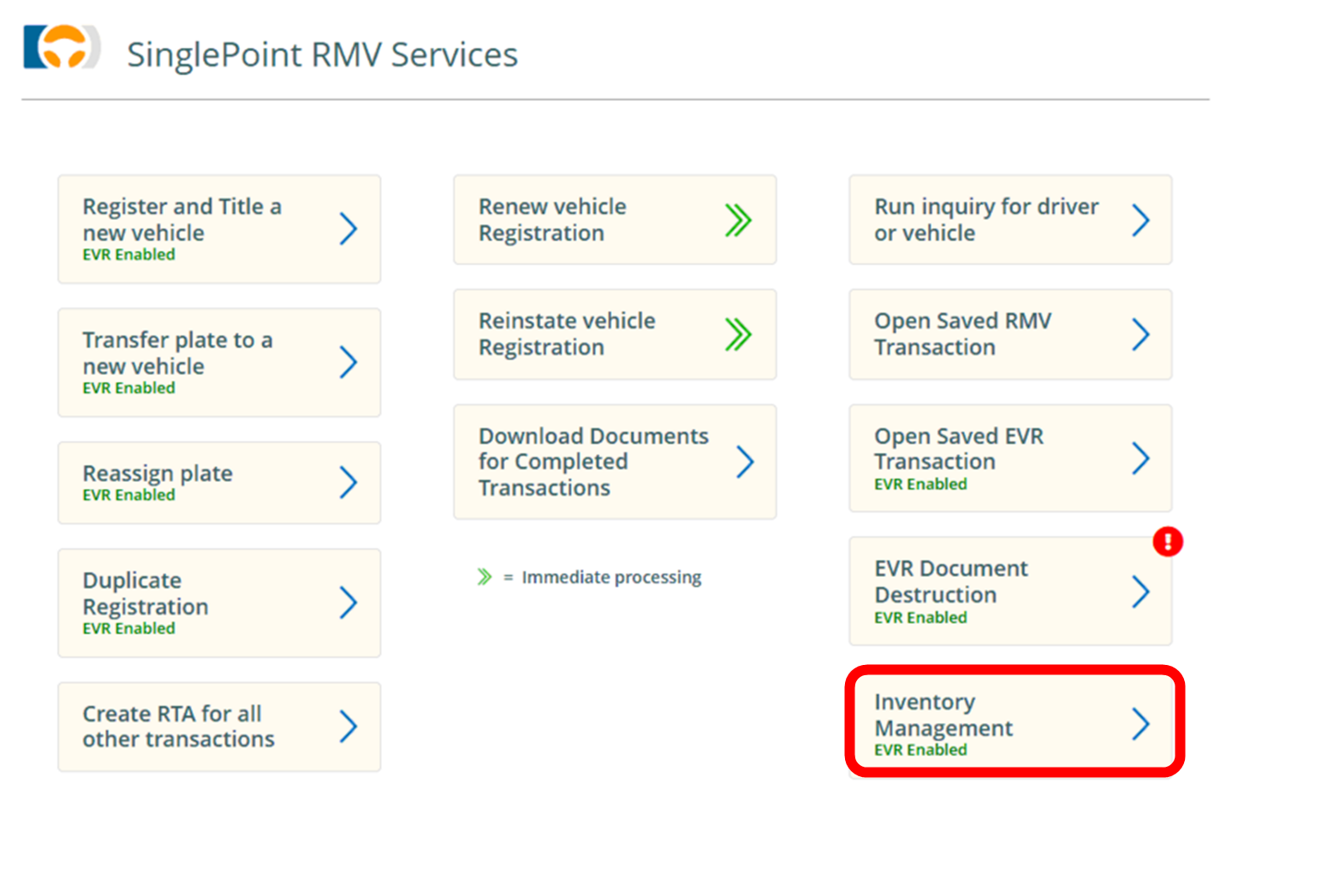
From the RMV Services Dashboard selecr Inventory Management
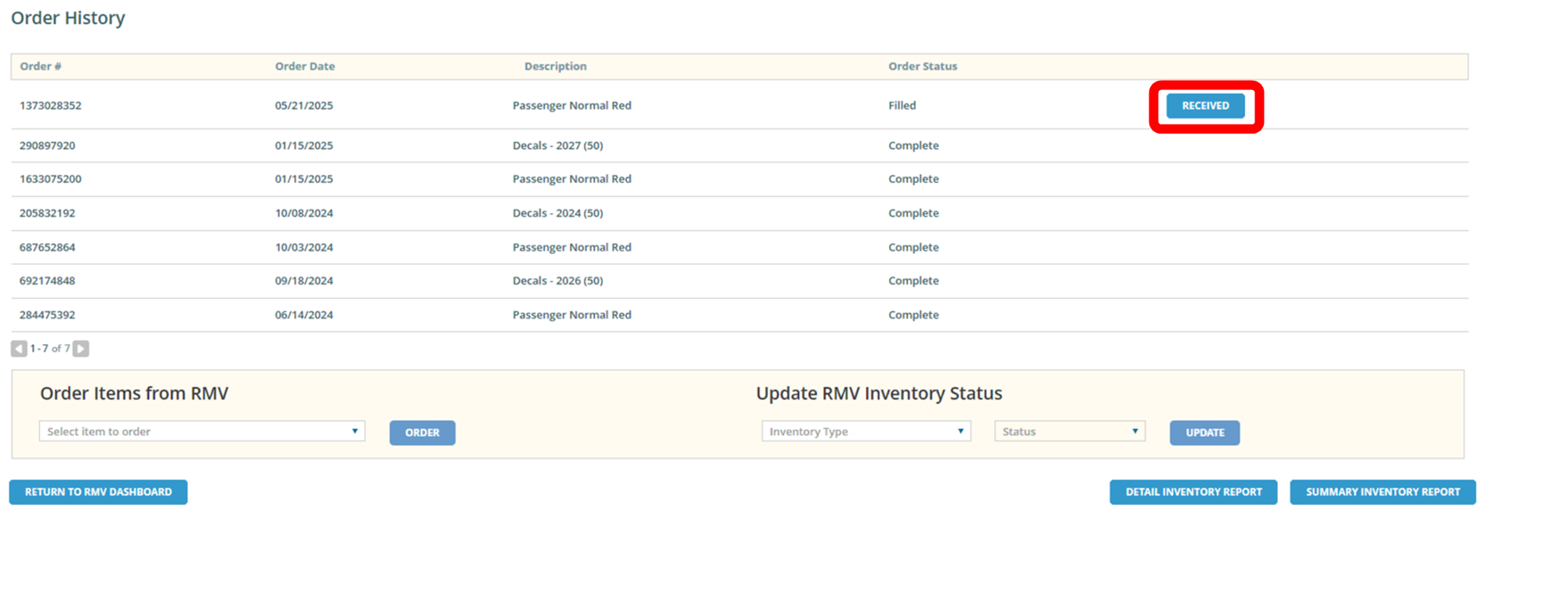
Next you will see Order history. You should see a box showing Received. After you check to make sure the plates inside the box match the decal on the box you may pick RECEIVED
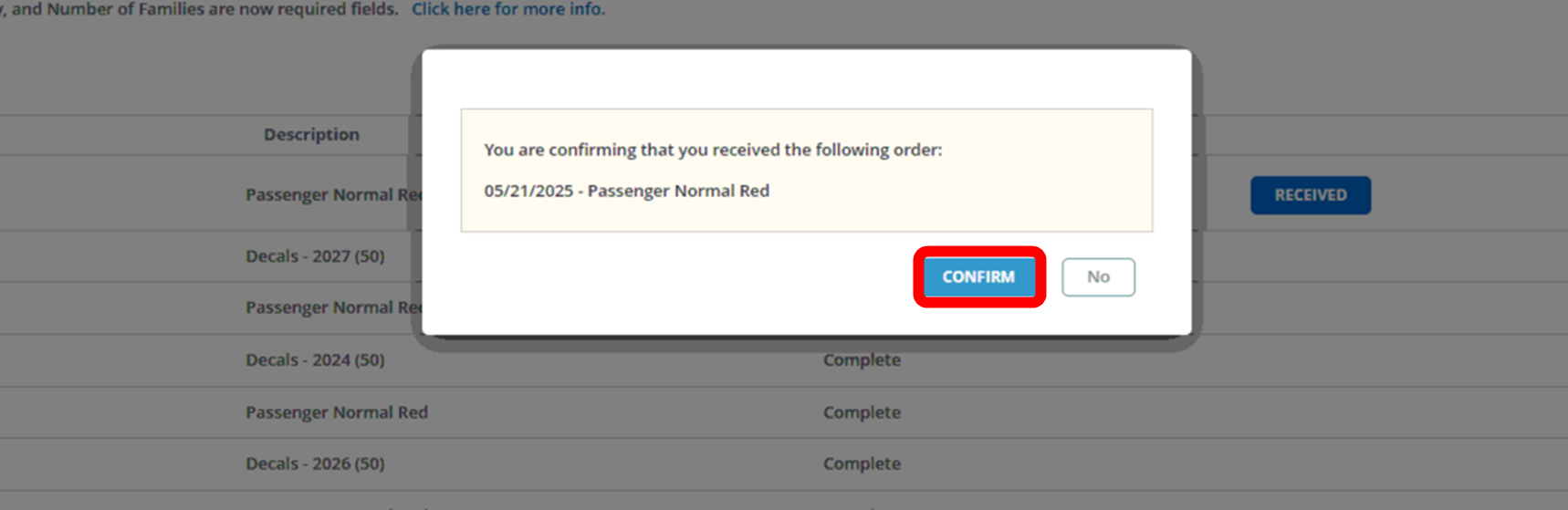
It will pop up a box asking you to confirm.
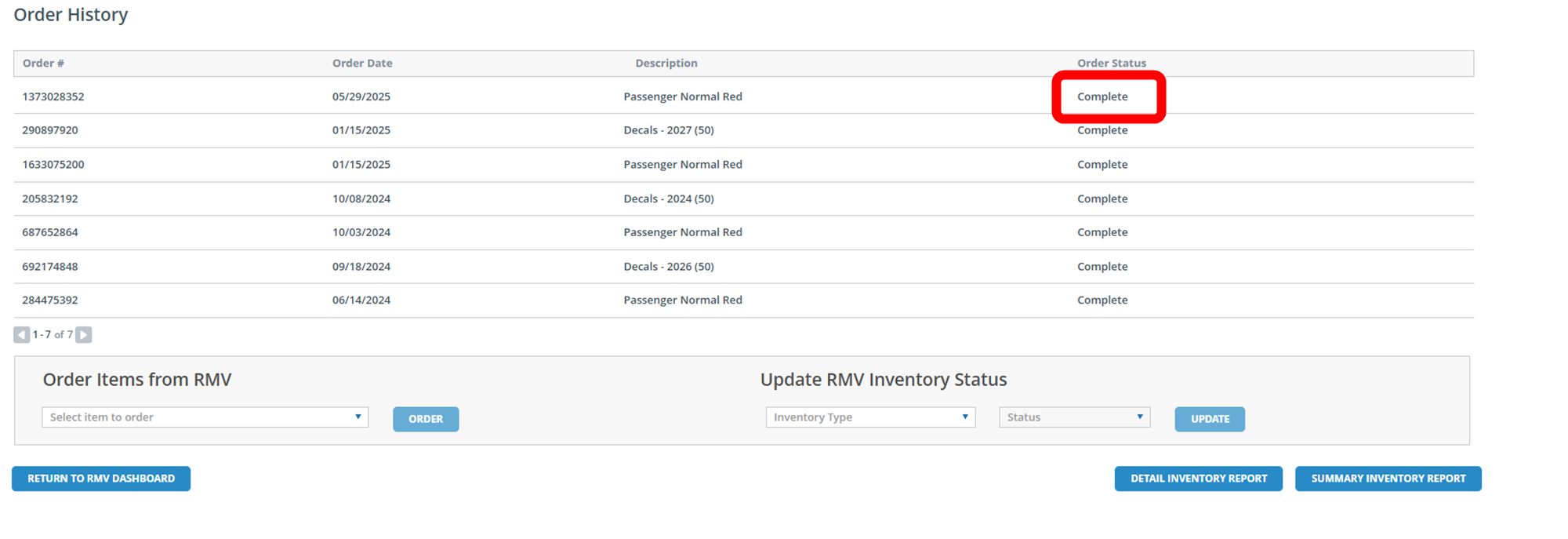
The screen may take up to 60 seconds to load
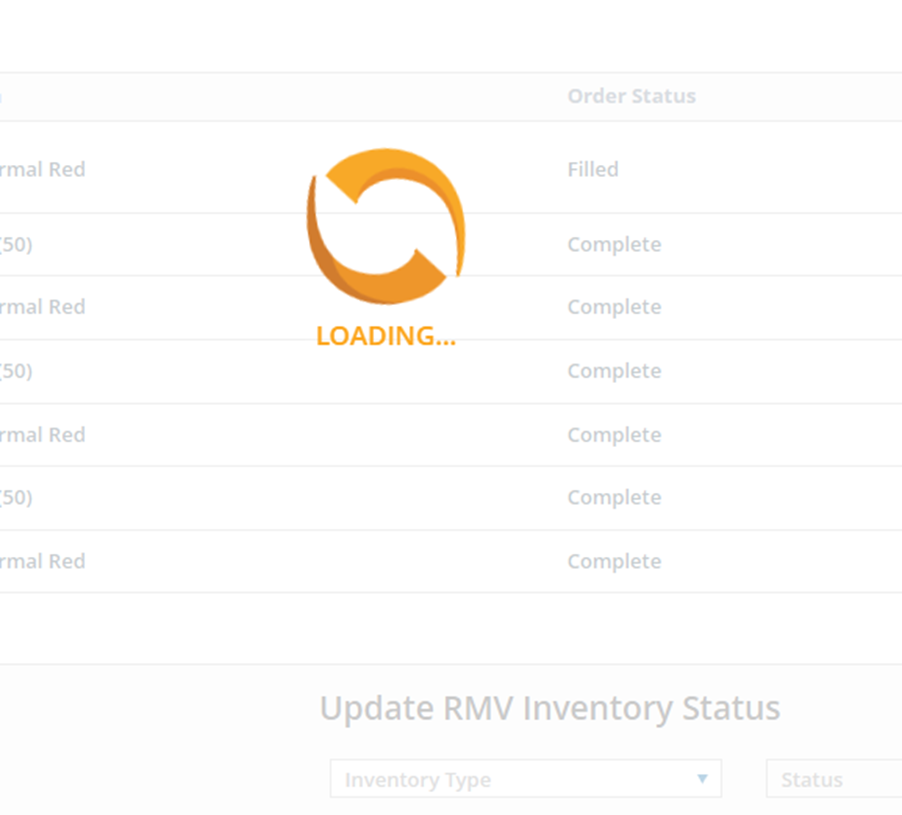
Once it is added in ATLAS the screen will update and show complete